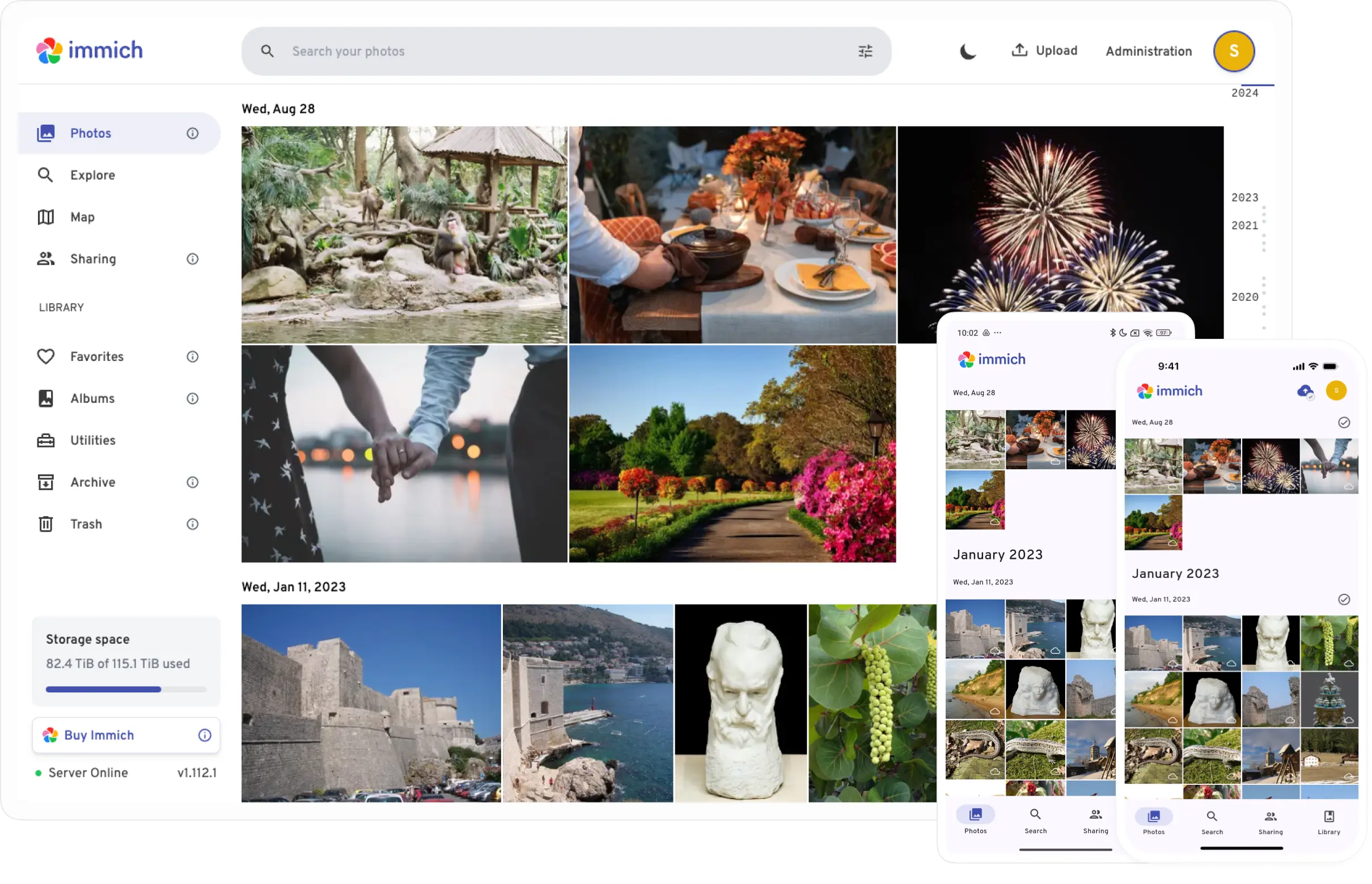
TL;DR
- Immich is a self-hosted photo backup tool — open source, runs locally, looks and feels like Google Photos. I wanted it on my home machine without paying for cloud storage forever.
- Installing it on Ubuntu in WSL2 was fine. Getting Windows to actually see it from the rest of the house was not fine.
- WSL2 assigns a new internal IP every single reboot. This is a known thing. I learned it the hard way.
- The fix: a batch script that grabs the current WSL IP and sets up port forwarding every time. It works. I run it manually. That’s where we are.
The problem with cloud photo storage is the slow creep.
You start with a free tier. Then you have kids, or you get a better camera, or both, and suddenly you’re paying monthly for something you didn’t budget for and slightly resent. I’ve been on that plan for a while. The photos are important. The recurring payment is annoying. I kept meaning to fix this.
Three months ago I finally did something about it. Sort of.
The Part Where I Thought This Would Take One Afternoon
I found Immich through a forum thread about self-hosted alternatives to Google Photos. Open source, actively maintained, mobile app included, looks like something a normal human could actually use. The screenshots were suspiciously polished for something free.
I have a Windows machine at home with enough disk space and a copy of Ubuntu running in WSL2. The plan was: install Immich on Ubuntu, point it at my photo folder on the E drive, done. Weekend afternoon. Maybe two hours including troubleshooting.
The install itself went exactly like that. Docker Compose, a few commands, Immich running at 127.0.0.1:2283 within about 20 minutes. I opened it in the browser and it looked exactly like the screenshots.
this is where i should have known something was about to go wrong. it was too easy.
The problem appeared the moment I tried to access it from anything that wasn’t my Windows browser tab.
WSL2 Networking Is Not What I Thought It Was
My first instinct was to just use my machine’s IP address on the local network. If it’s running on port 2283, other devices should be able to hit 192.168.x.x:2283. Simple.
It wasn’t that.
WSL2 doesn’t expose services to the local network by default. It runs in its own virtual network with its own IP — a separate address inside Windows, not the same as the Windows machine’s IP. And here’s the part that took me an embarrassing amount of time to understand: that internal IP changes every single reboot. WSL starts up, grabs whatever IP it feels like that day, and nothing you had set up for yesterday’s IP works anymore.
I tried networkingMode=mirrored in my .wslconfig first, which is supposed to make WSL share the Windows network stack directly. It worked, briefly. Then I rebooted and it didn’t. Then it worked again. Then it stopped. I have no good explanation for this behavior.
"The mirrored mode works until it doesn’t, and when it doesn’t, nothing in the logs tells you why."
— me, at 11:30pm, reading WSL2 networking docs for the fourth timeAfter a few evenings of this I landed on the actual solution: port forwarding with netsh. Windows has a command — netsh interface portproxy — that lets you say “anything hitting port 2283 on this machine, forward it to this other IP:port.” If you pair that with a script that first grabs WSL’s current IP dynamically, it survives reboots.
The Batch Script (The Unglamorous Hero)
The script isn’t elegant. It’s a .bat file that does four things in sequence:
- Waits 20 seconds after running — enough time for WSL to finish starting up
- Grabs WSL’s current internal IP with
wsl hostname -I - Deletes whatever port forwarding rule existed before
- Creates a new one pointing at today’s IP
- Then starts Immich with
docker compose up -d
@echo off
timeout /t 20 /nobreak >nul

wsl -d Ubuntu -e echo ready >nul 2>&1

for /f "tokens=1" %%i in ('wsl hostname -I') do set WSL_IP=%%i

netsh interface portproxy delete v4tov4 listenport=2283 listenaddress=0.0.0.0 >nul 2>&1
netsh interface portproxy add v4tov4 listenport=2283 listenaddress=0.0.0.0 connectport=2283 connectaddress=%WSL_IP%

wsl -d Ubuntu -e bash -c "cd ~/immich && docker compose up -d"

echo Done. WSL IP: %WSL_IP%
I run this manually after boot. Not ideal. Not automatic. But every time I run it, Immich is accessible at my Windows machine’s LAN IP from any other device in the house. That’s progress.
“i’ll automate it later” — me, three months ago, and also me right now.
The Duplicate Problem I Created Myself
Once networking was solved, I wanted to upload three months of phone photos plus a big folder of older Kodak scans. The web interface seemed like the obvious way.
It was not the right way.
I uploaded maybe 200 photos through the web client, then discovered Immich also has an External Libraries feature that watches a folder on disk. So I set that up too, pointing at the same photos. Immich now showed everything twice. The photos had the same SHA-1 hashes — Immich knew they were the same files — but because they came in through different pipelines (direct upload vs. external library), they got treated as different asset types.
The fix was committing to one method. I deleted the external library, kept the uploaded assets, and switched everything to the CLI uploader going forward:
sudo npm install -g @immich/cli
immich login http://127.0.0.1:2283/api YOUR_API_KEY
immich upload --recursive --album --dry-run /mnt/e/COSAS/pics/Kodak
The --dry-run flag first, always. The CLI deduplicates by SHA-1 hash correctly and doesn’t create the duplicate-type problem that mixing methods caused.
About half the library is in. The other half is still waiting.
The Thing That’s Still Broken
My phone can’t see the server.
I have a Pixel, I’m on the same WiFi network as the Windows machine running Immich, and the Immich mobile app just times out when I try to connect. From my laptop it works fine. From my phone, nothing.
My current best theory is AP Isolation on the router — a setting that prevents wireless devices from talking to each other, meant to stop one compromised device from reaching others on the network. If that’s enabled, the phone can’t reach the server even though they’re nominally on the same WiFi.
I haven’t confirmed this yet. I know roughly what I need to do — log into the router admin panel, find the isolation setting, turn it off. I haven’t done it because the router admin panel in this house requires finding the router password that nobody wrote down, and that’s a separate small project I’ve been deferring.
the backup system is complete except for the part where i can access it from my phone, which is where all my photos are.
Where Things Are
Three months in. Here’s the honest state:
Immich is running. The desktop browser access works every time I run the batch script. The bulk upload from the Kodak folder is halfway done. The CLI is the right tool for this and I wish I’d used it from the start.
The phone access is pending a router password I haven’t tracked down. The batch script is manual, not automatic on startup — I keep meaning to put it in Task Scheduler and keep not doing it. The other half of the photo library is sitting on the E drive waiting.
None of that is a failure. It’s just a project that’s still in progress. The photos are safer than they were three months ago. The system works when I poke it. That’s the current definition of “done” and I’m okay with it.
A proper step-by-step setup guide will come in a follow-up post, for anyone who wants to do this without repeating all the same mistakes. For now: Immich is good, WSL2 networking is genuinely weird, and netsh interface portproxy will become your unexpected friend.
Key takeaways
- Immich is worth it. The UI is genuinely good, the CLI uploader is solid, and self-hosting your photo library is satisfying in a specific way.
- WSL2 internal IPs change on every reboot. Don’t assume your service will be at the same address tomorrow.
networkingMode=mirroredin.wslconfigsounds like the elegant solution. It isn’t, reliably. Port forwarding withnetsh interface portproxyis less elegant but more stable.- Pick one upload method and commit to it. Mixing web uploads and External Libraries creates visible duplicates even when the hashes match.
- The
--dry-runflag in the Immich CLI is your best friend before any bulk upload.